




System Requirements
Minitab Simul8
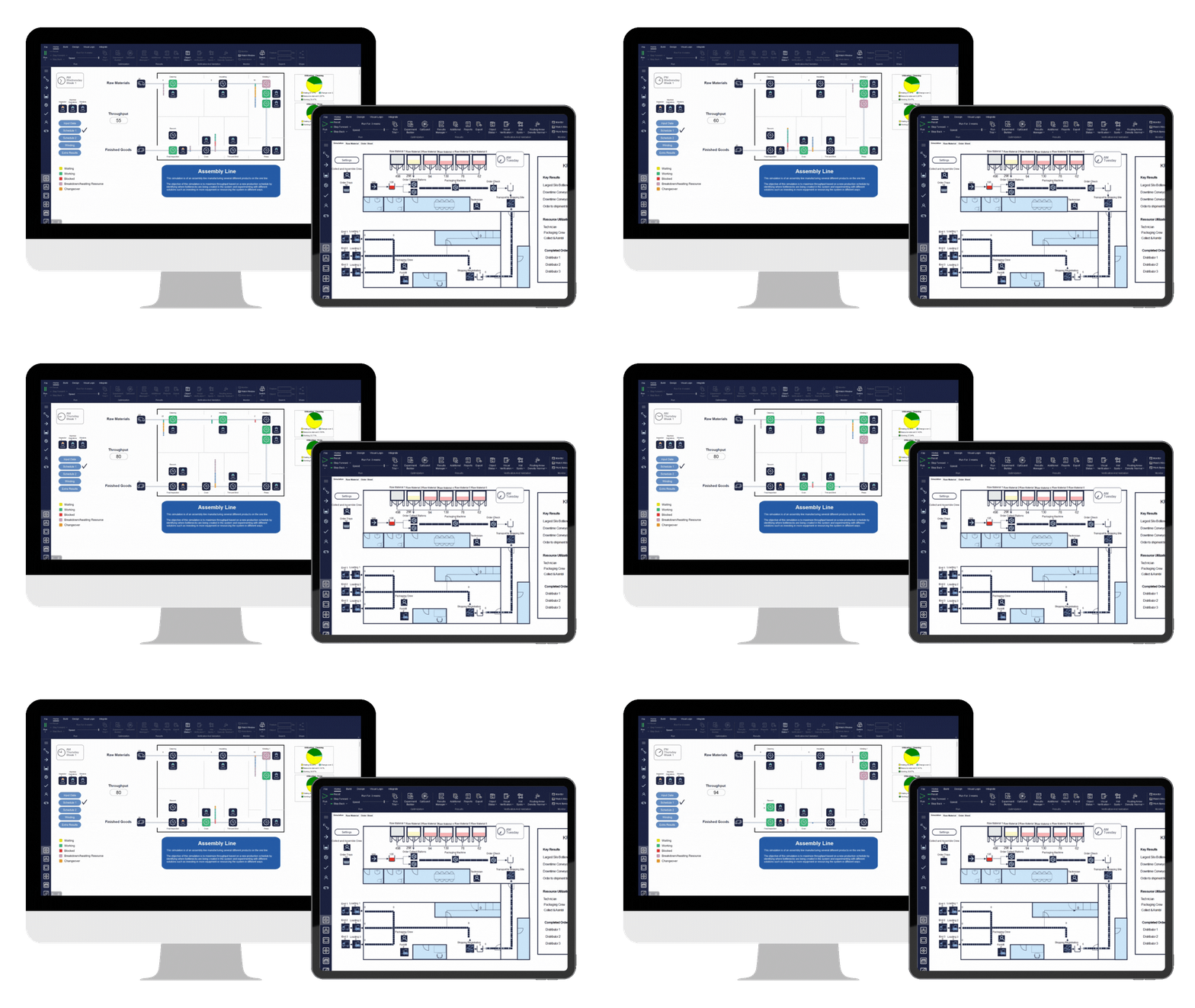
Simul8 33.1 Desktop (Windows only)
Operating System: Windows 11
RAM*: 4 GB of memory or more recommended
Processor: 64-bit, x86 processor required (ARM processors are not supported)
Connectivity: Internet connection required for installation/activation of product and accessing Help content
Browser: Chrome or Chromium Edge is recommended. A web browser is required for Simul8 Help.
Additional required software will be installed with the application: Microsoft Visual C++ Redistributables for Visual Studio 2022
Simul8 Web
Connectivity: An internet connection is required
Supported Browsers: Chrome, Chromium Edge, or Safari
Multi-User License Manager
Multi-User desktop license installations also require the Minitab License Manager (verify you have the latest version of the License Manager), which has the following recommended system requirements:
Operating System: Windows Server 2019, Windows Server 2022, or Windows 11. It is best practice to run license servers on a server-based OS.
Connectivity: At least one enabled network interface card